

Automated Windows Error Repair Service
Windows Error Code Repair Guide
The Challenge: Windows Error Codes and System Instability
Windows error codes can appear when updates fail, system components become damaged, services stop working, permissions are incorrect, or applications cannot access required resources. The code identifies a failure condition, but it does not always reveal the underlying cause.
Our Remedy: Advanced System Repair
Advanced System Repair scans Windows components, system files, registry references, services, application problems, and related performance issues. It helps identify detected system problems that may be connected to recurring Windows error codes. Get Repair Tool to experience the difference.
Get Repair ToolWhat are the Methods to Resolve Windows Error Codes?−
Depending on the code, advanced users may try Windows troubleshooters, repair commands, service checks, update resets, application repairs, or a system restore. Because the same code can have different causes on different PCs, changing services, permissions, or registry data without diagnosis may create additional problems. A complete system scan provides a safer starting point for identifying related Windows damage.
A Secure Path to Overcoming PC Issues:
- Step 1: Get Repair Tool
- Step 2: Install the application on your PC
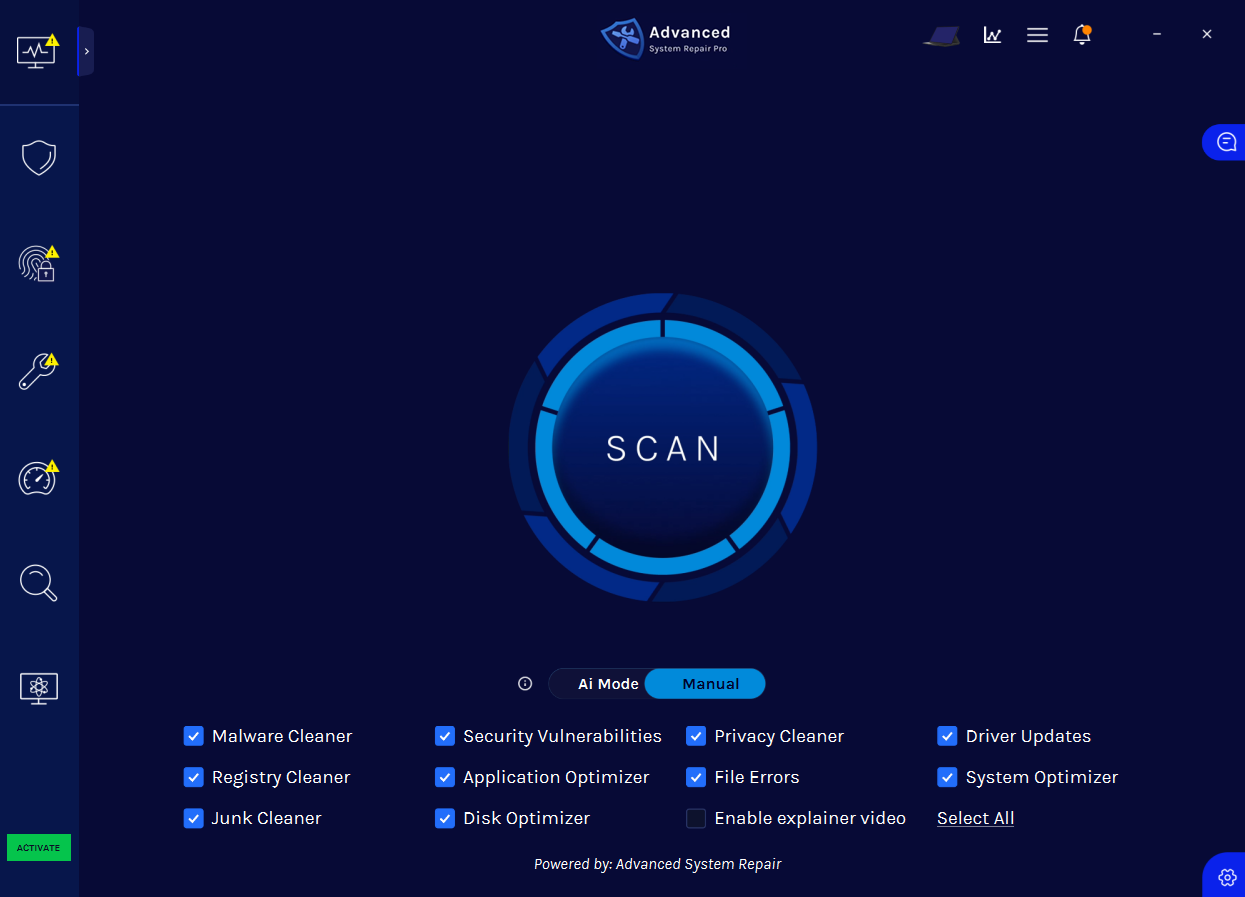
- Step 3: Click the “Scan” button to identify issues and abnormalities
- Step 4: Review the results and click “Repair All” to fix detected issues
Scan, Repair, and Protect Your PC
Advanced System Repair checks the areas of Windows most likely to contribute to error codes, update failures, crashes, security problems, and slow performance.
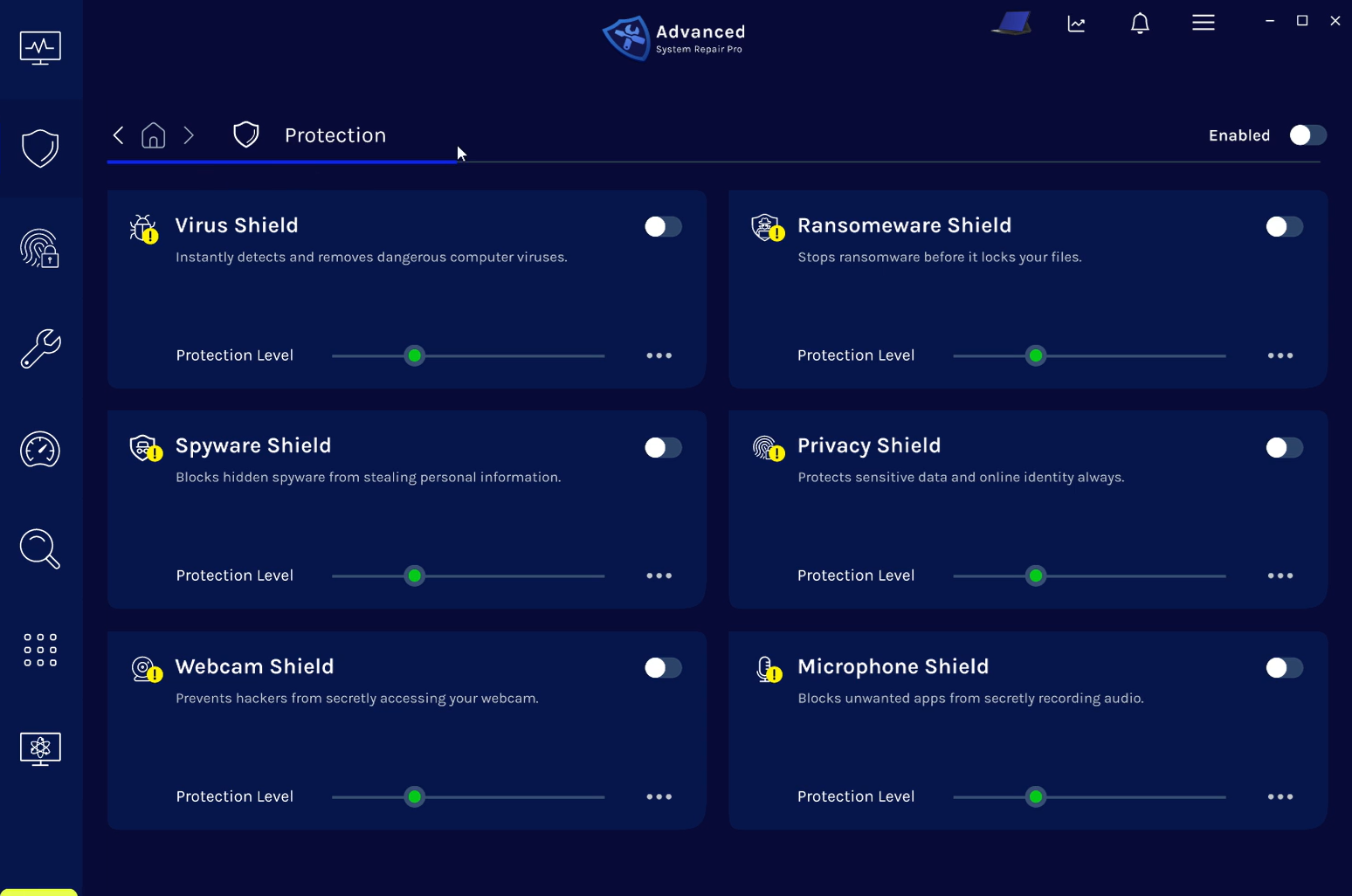
Built-in Malware and Privacy Shields
Real-time shields help defend against viruses, ransomware, spyware, privacy threats, unwanted webcam access, and microphone access.
 Get Repair Tool
ASR Certifications & Technology Partnerships

Get Repair Tool
Frequently Asked Questions
Why am I seeing a Windows error code?+
A Windows error code can be triggered by damaged system files, failed updates, disabled services, permission problems, application conflicts, storage issues, or network interruptions. The same code may have more than one possible cause.
Does an error code identify the exact cause?+
Not always. An error code describes the condition Windows encountered. System context, recent changes, affected components, and scan results are often needed to determine the connected cause.
Can Advanced System Repair fix error-code-related problems?+
Advanced System Repair scans system files, Windows components, registry references, services, application problems, and related stability issues. It can repair supported problems detected during the scan, although no tool can guarantee that every error code has the same cause or repair.
Is Advanced System Repair compatible with Windows 11?+
Yes. Advanced System Repair is designed for Windows 11 and Windows 10. The initial scan identifies detected problems before registered repair and protection features are applied.