

Digital Life & PC Care Guide
Digital Life & Online Safety Guide
The Challenge: Everyday Digital Risks and Device Problems
Modern digital life combines work, communication, shopping, entertainment, and personal information across connected devices. Weak privacy habits, unsafe links, unwanted software, clutter, and Windows problems can make that experience less secure and reliable.
Our Remedy: Advanced System Repair
Advanced System Repair brings Windows security, privacy checks, cleanup, and system repair into one toolkit. Combine regular device maintenance with strong passwords, multifactor authentication, careful sharing, and trusted software for a safer digital routine. Download Advanced System Repair to scan your PC.
DownloadWhat are the Methods to Improve Your Digital Life?−
Keep Windows and applications updated, use unique passwords and multifactor authentication, review privacy permissions, verify unexpected messages, back up important files, remove unused software, and scan the PC for malware, spyware, clutter, and connected system issues.
A Secure Path to Checking Your PC:
- Step 1: Download Advanced System Repair
- Step 2: Install the application on your PC
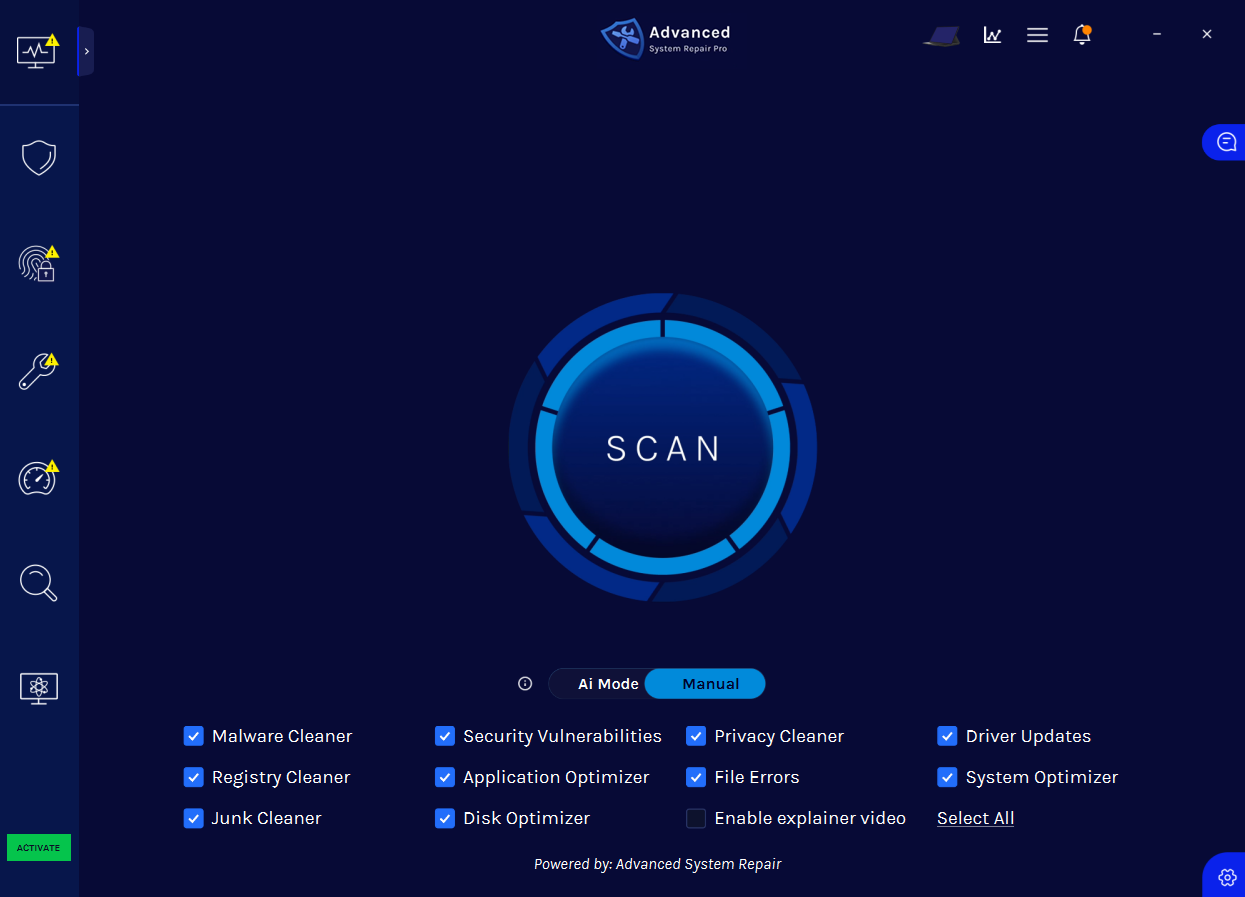
- Step 3: Click the “Scan” button to identify issues and abnormalities
- Step 4: Review the results and click “Repair All” to fix detected issues
Scan, Repair, and Protect Your PC
Advanced System Repair checks the areas of Windows most likely to cause errors, crashes, security problems, and slow performance.
Built-in Malware and Privacy Shields
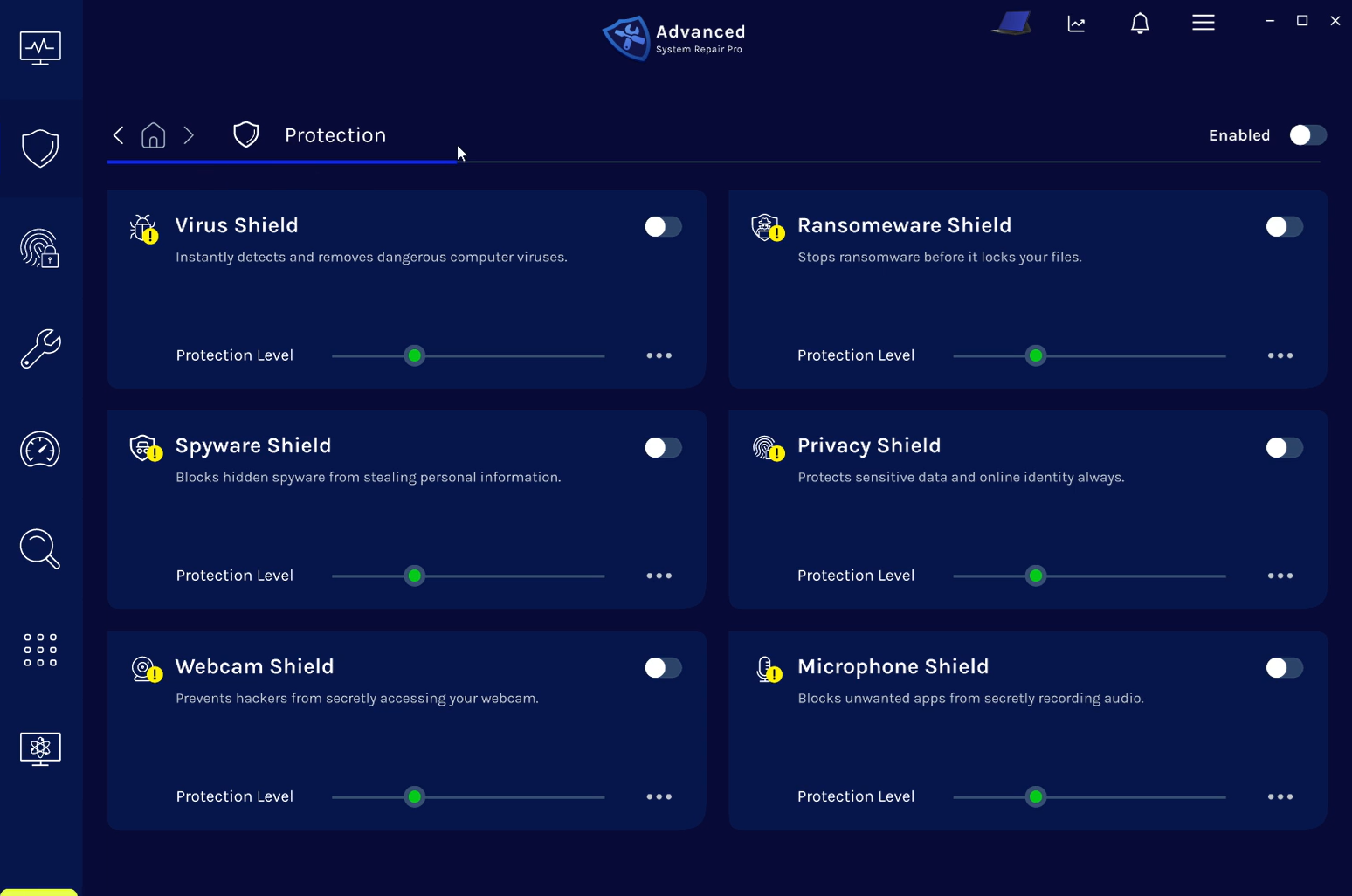
Real-time shields help defend against viruses, ransomware, spyware, privacy threats, unwanted webcam access, and microphone access.
 Download
ASR Certifications & Technology Partnerships

Download Advanced System Repair
Frequently Asked Questions
What does a safer digital life include?+
It includes secure accounts, careful sharing, updated devices, reliable backups, privacy awareness, scam recognition, and regular checks for malware or unwanted software.
How can I protect personal information online?+
Use unique passwords, enable multifactor authentication, limit unnecessary app permissions, verify requests for information, and avoid sharing sensitive details publicly.
Why is regular PC maintenance important?+
Updates, storage cleanup, malware scans, and system checks help keep the device reliable and reduce problems that can interrupt work, communication, and other online activities.
How does Advanced System Repair support digital life?+
ASR scans a Windows PC for supported malware, spyware, privacy risks, unwanted programs, clutter, registry problems, and other system issues from one interface.