

Automated DLL Repair Service
DLL Repair Guide
The Challenge: DLL Errors and Windows Instability
Missing or corrupted DLL files can prevent applications from starting, generate repeated error messages, cause crashes, and reduce overall Windows stability. The filename shown in an error is not always the underlying cause.
Our Remedy: Advanced System Repair
Advanced System Repair scans Windows components, shared-library dependencies, system files, registry references, and related performance problems. It identifies the connected cause of DLL errors without requiring risky downloads from unknown DLL websites. Get Repair Tool to experience the difference.
Get Repair ToolWhat are the Methods to Resolve DLL Errors?−
Advanced users may try reinstalling the affected program, running Windows repair commands, restoring a system image, or manually replacing a DLL. Installing the wrong DLL version can create new compatibility or security problems. A complete system scan is the safer way to identify corrupted components and related Windows damage.
A Secure Path to Overcoming PC Issues:
- Step 1: Get Repair Tool
- Step 2: Install the application on your PC
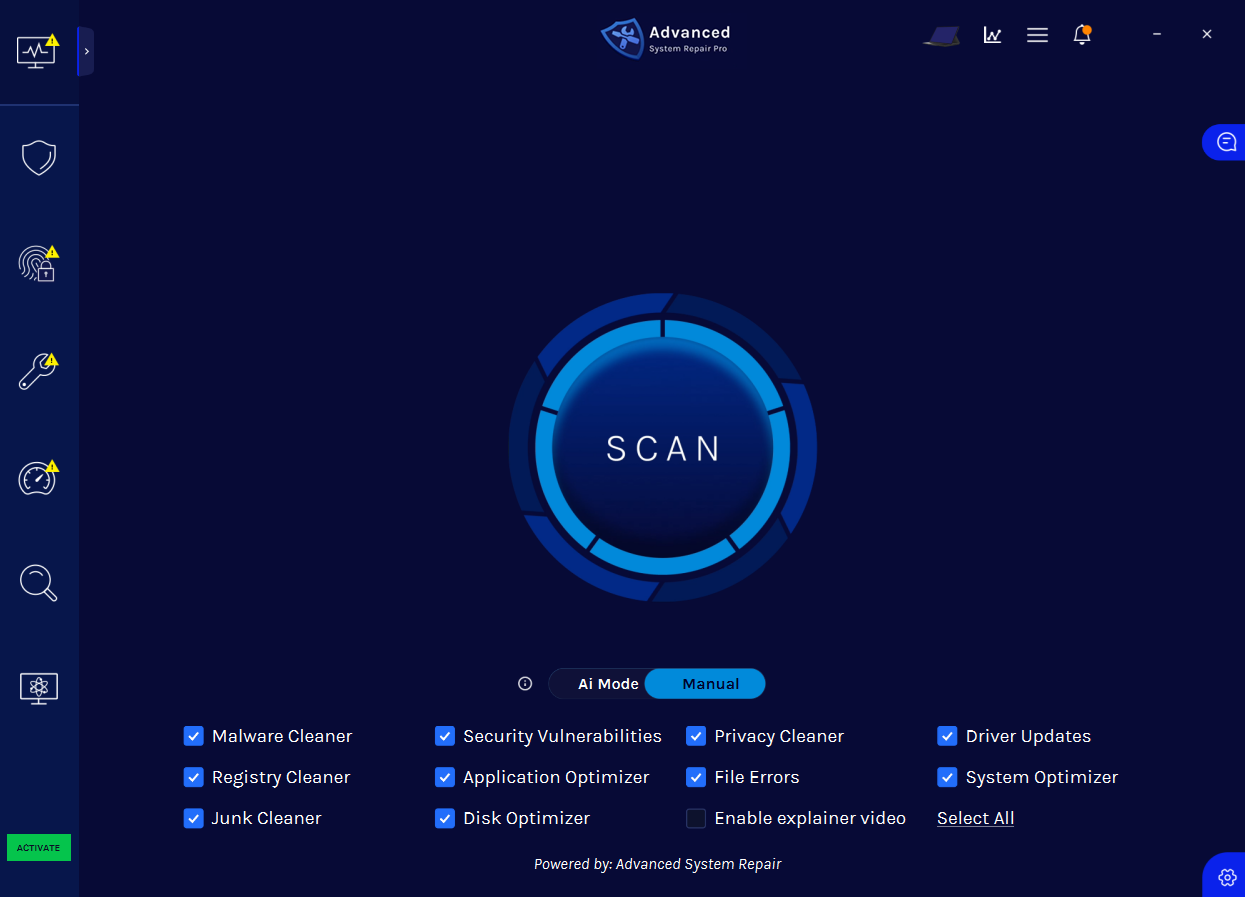
- Step 3: Click the “Scan” button to identify issues and abnormalities
- Step 4: Review the results and click “Repair All” to fix detected issues
Scan, Repair, and Protect Your PC
Advanced System Repair checks the areas of Windows most likely to cause errors, crashes, security problems, and slow performance.
Built-in Malware and Privacy Shields
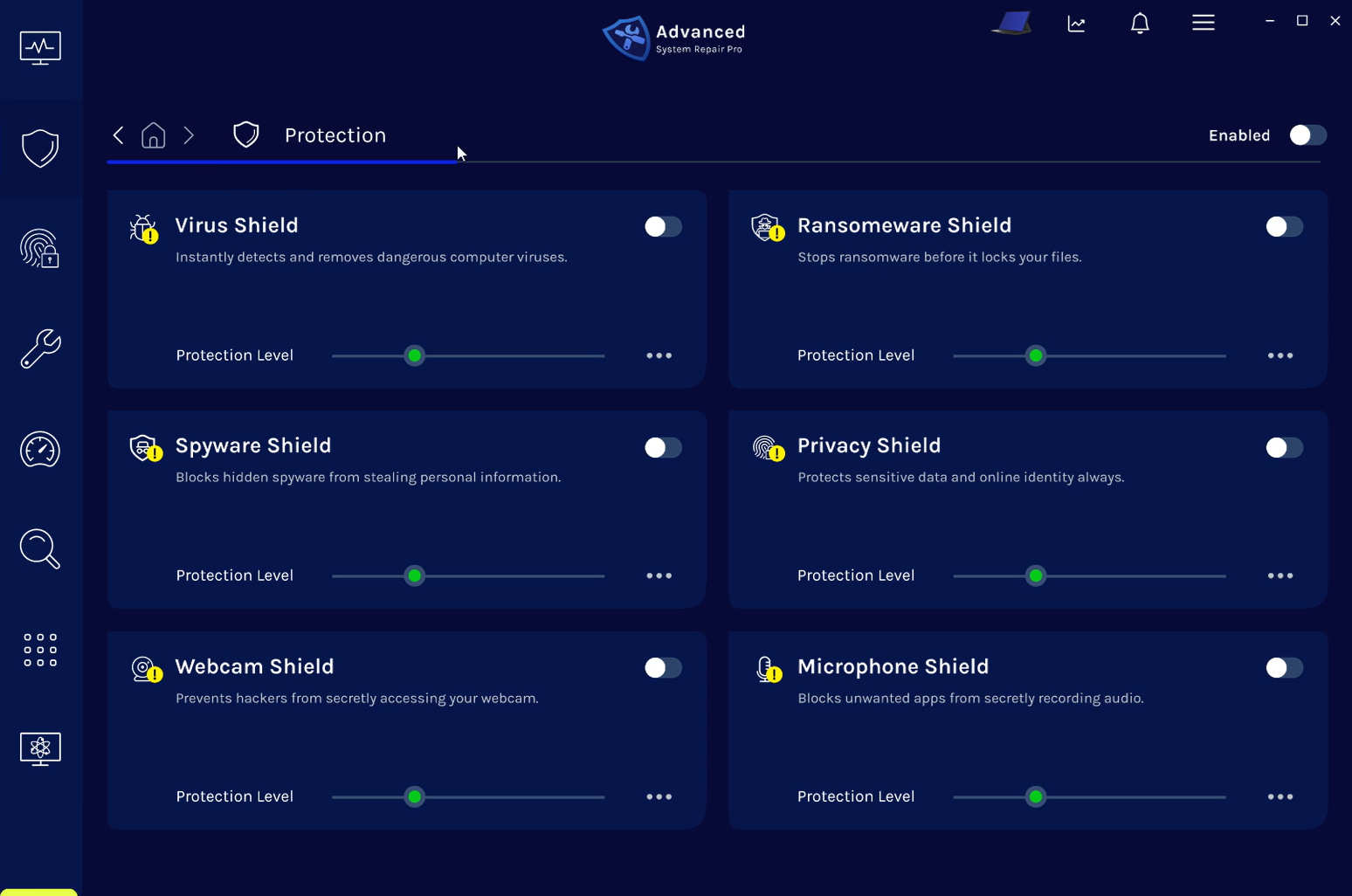
Real-time shields help defend against viruses, ransomware, spyware, privacy threats, unwanted webcam access, and microphone access.
 Get Repair Tool
ASR Certifications & Technology Partnerships

Get Repair Tool
Frequently Asked Questions
Why am I seeing a missing DLL error?+
A DLL error can be caused by a damaged Windows component, an incomplete application installation, malware, an incorrect registry reference, or a missing dependency. The DLL named in the message is not always the underlying cause.
Should I download the missing DLL from another website?+
Downloading individual DLL files from unknown websites can expose your PC to malware or install an incompatible version. It is safer to scan Windows and repair the component, application, or dependency responsible for the error.
Can Advanced System Repair fix DLL-related problems?+
ASR checks Windows system files, shared-library dependencies, registry references, application errors, and related stability problems so you can address the connected cause instead of replacing files blindly.
Is Advanced System Repair compatible with Windows 11?+
Yes. Advanced System Repair is designed for Windows 11 and Windows 10. The initial scan identifies detected problems before registered repair and protection features are applied.